

Logs and retries
Inspect run outcomes, retry deliberately, and understand cancellation.
The scenario view and chat run panel show execution output and errors. Use the live log to locate the failing step, then inspect the resulting files or target records.
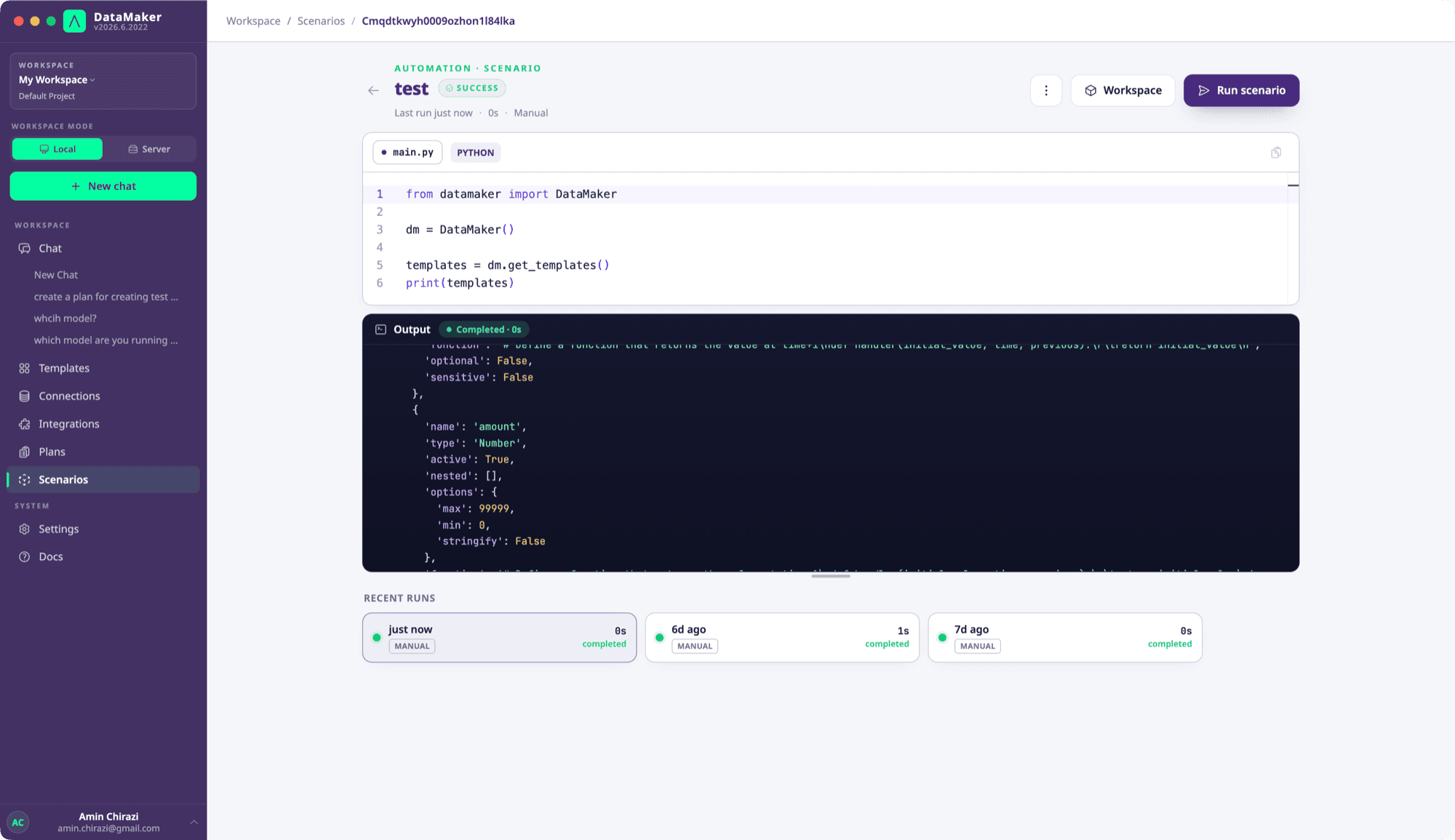
Write useful logs
Use print() for counts, step names and progress. Do not print API keys, complete credentials or raw sensitive records. Arbitrary Python output is not guaranteed to be redacted by a template's sensitive label.
print("Starting customer generation")
# Generate and validate rows here.
print("Generation validated; preparing output")
An uncaught exception causes a failed run. If you catch an error only to add context, re-raise it; otherwise automation can report success after a failed operation.
Retry safely
A scenario re-run starts at the beginning. It does not resume a data-job checkpoint. Before retrying a write, check whether the previous request reached the target. Use stable source IDs, target-supported idempotency or the data-job key-map workflow where appropriate.
Retries belong around specific transient operations, with bounded attempts and delays. Avoid retrying validation failures, authentication errors or all exceptions indiscriminately.
Cancel
Use the run's stop/cancel action or POST /scenarios/jobs/{jobId}/cancel. Cancellation may interrupt execution and does not undo completed writes. Do not depend on Python finally blocks always running after process termination; recovery must also be possible on the next run or through an explicit cleanup procedure.
Inspect through the API
Poll GET /scenarios/jobs/{jobId}/status for the terminal state and use GET /scenarios/jobs/{jobId}/logs/stream for the stream. A successful start response does not mean the scenario has completed. See CI/CD for bounded polling.
Retention depends on the deployment's operational policy. Keep important run evidence with your workflow rather than assuming a fixed retention period.