

Connections
Choose databases, API endpoints and business-system integrations.
Open Connections to add a database, an API endpoint or a supported business system. The catalogue brings these together in the UI, but they store different kinds of configuration.
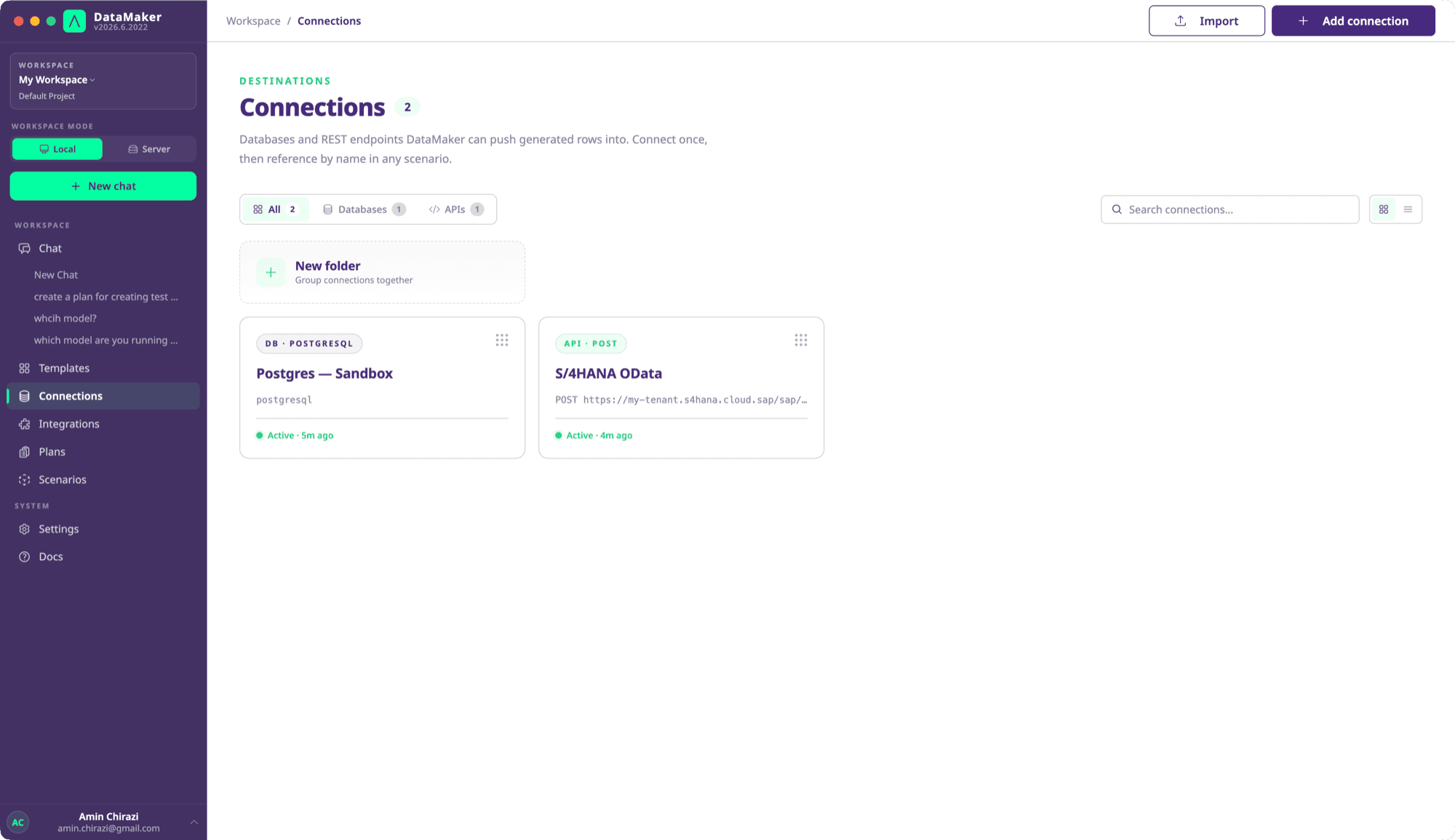
| Resource | Use |
|---|---|
| Database connection | Database type, connection string and read-only setting. |
| API endpoint | HTTP method, full URL, headers, query parameters, authentication and pagination. |
| Business-system integration | A system origin and authentication shared by its services and endpoints. |
Add a connection
Select Add connection to open the picker. It lists Systems and APIs first (Oracle Fusion Cloud, SAP S/4HANA, SAP Signavio, Tricentis Tosca, Jira and REST API), then Databases, with one tile per engine your deployment supports. Each tile shows a short tag, such as "ERP" or "Test management", describing what the system is for.
Type in the search box to filter the tiles, then press Enter to open the top match or select a tile. Choosing a database engine opens the database form with that engine already selected. If nothing matches, the picker offers a REST API instead. Press Esc or the close button to dismiss it.
Configure and verify
Select the active project, choose the resource type, fill in the required settings and test a read before writing. Keep source and destination environments clearly named. Targets must be reachable from the actual execution host, which may be a server or desktop machine.
Credentials do not all use the same storage mechanism. Endpoint and integration authentication use encrypted credential fields; database connection strings require protection through the deployment's database and backup controls. Do not assume every arbitrary header or script literal is encrypted or redacted.
Connector guides
- Databases
- REST endpoints
- SAP OData
- SAP Signavio
- Tricentis Tosca
- Jira and Xray Cloud
- Oracle Fusion Cloud
Supported systems and driver availability can vary by release and installation. Check the chooser and your core-system entitlement before building a workflow around an integration.