

From a prompt to your first dataset
Generate a small result in chat, review it, and keep the output.
Start in the correct team and project, then open Chat.
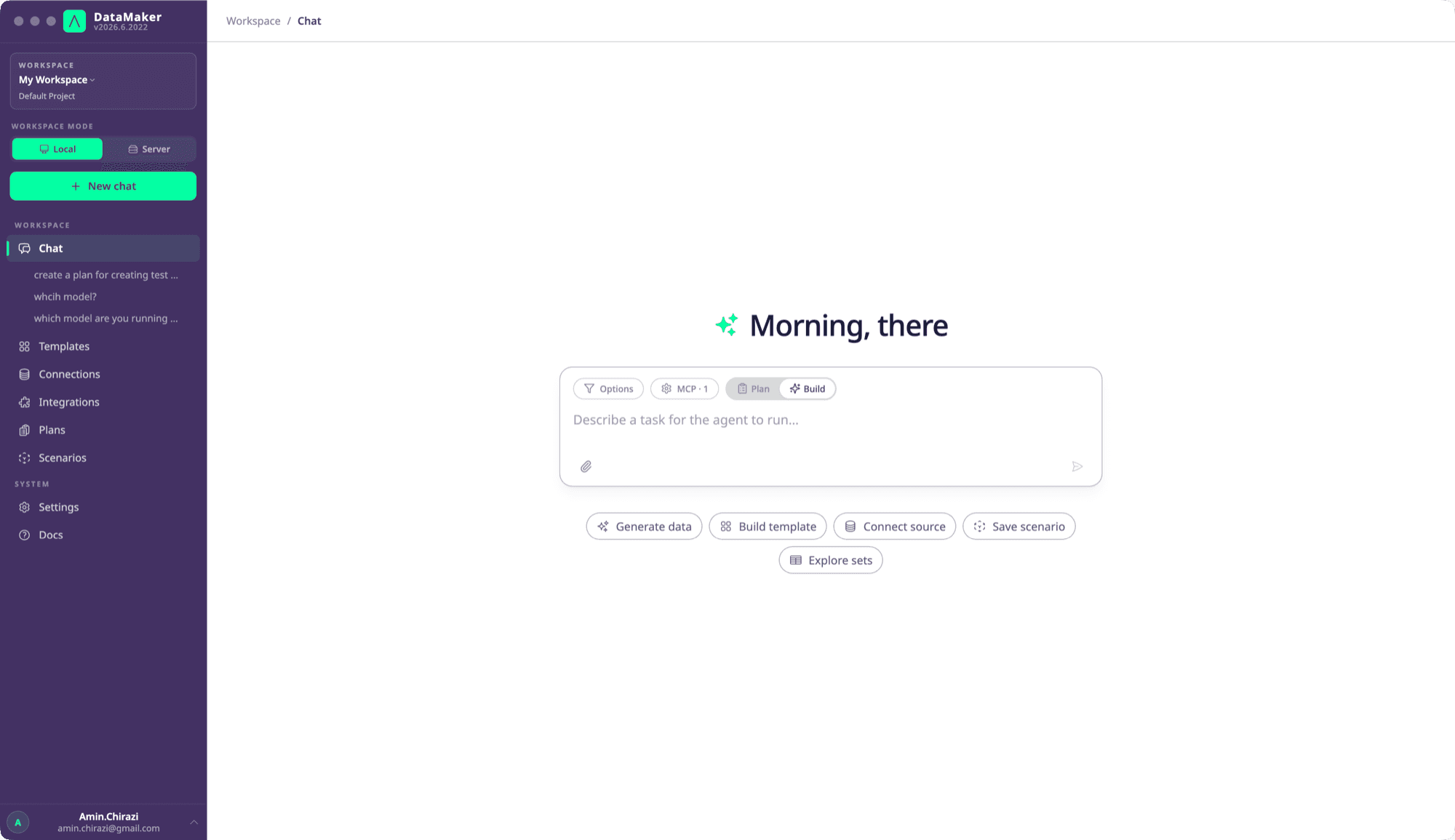
Ask for a small, explicit result
Try:
Generate 20 synthetic customers with first name, last name and an email at example.com. Give me a downloadable CSV and show the field definitions you used.
Specify the fields, count, constraints and desired output. A first generation does not need a production connection. If you want data from an existing source, identify the configured source and explain whether values must be masked.
Watch and review
The transcript shows narration and tool activity. Expand the relevant tool step to inspect its inputs and result.
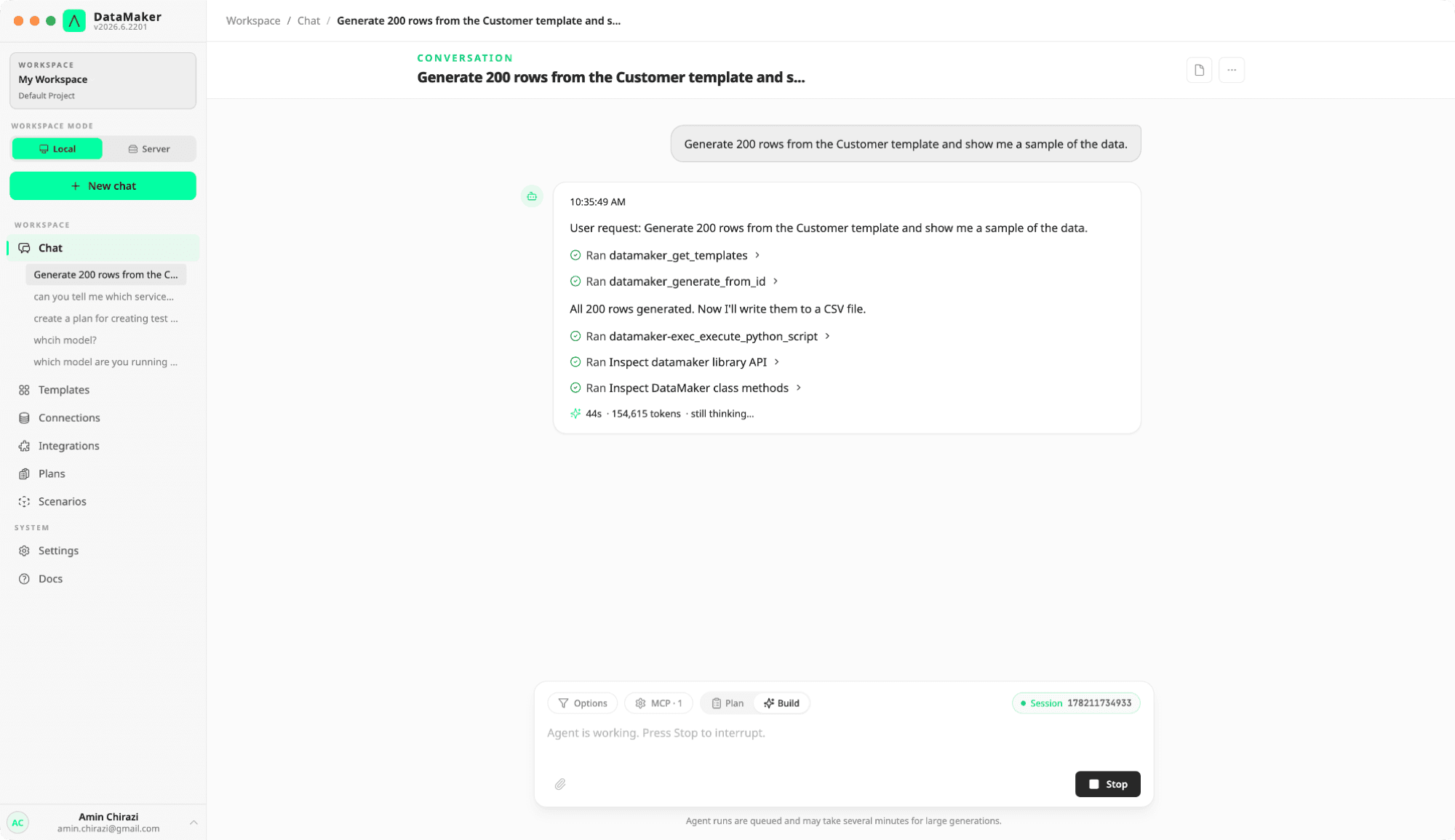
Check that the result has the requested number of records, plausible field values and the expected format. Inspect errors and warnings; a final chat message alone is not proof that a download or target write succeeded.
Keep the useful parts
Download the output from the chat or find it later in My data. Save row-shaped results as a set when you need a reusable fixture.
If you want to repeat a workflow, ask to save it as a scenario, then review the resulting Python, requirements and environment variables before running it again. Templates and other saved assets appear in their corresponding project views.
For a workflow that needs review before execution, ask for a plan. For new fields you want to control directly, create your first template.