

Your first template
Create, preview and reuse a small customer template.
Open Templates in the active project and create a named template, such as Regression customers.
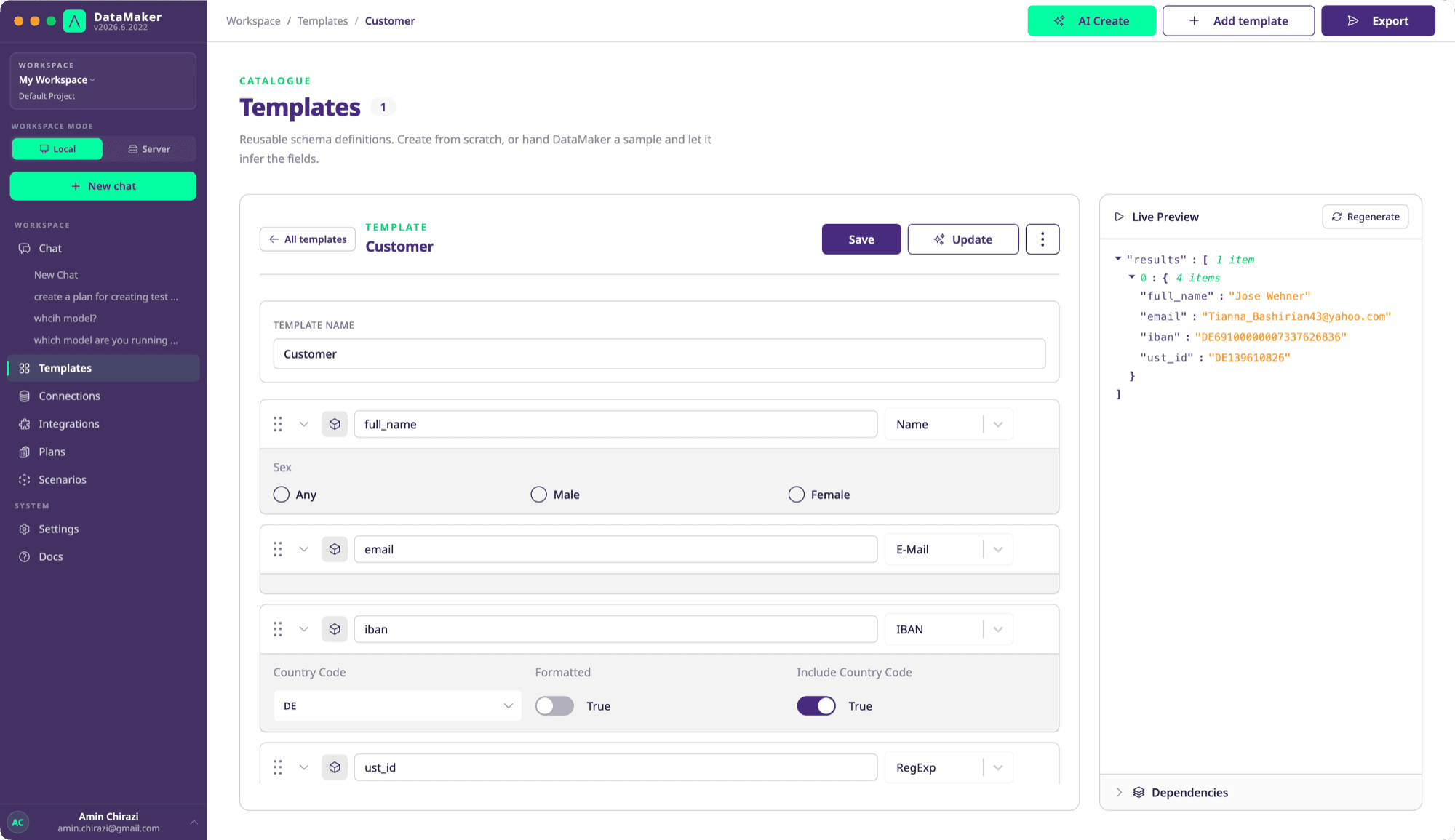
Add fields
Use these field names and catalogue types:
| Field name | Type | Options |
|---|---|---|
id | UUID | Defaults |
first_name | First Name | Defaults or the nationality options you need |
last_name | Last Name | Defaults |
email | Derived | Value: {{first_name}}.{{last_name}}@example.com |
Generate a small preview, then check field values, row count and any errors. Set Rows in the Live Preview header to generate more than one row - up to 100, after which Export is the tool for volume. Use the type's options in the editor or inspect GET /fields for the supported configuration.
Save and reuse
Save the template. You can reference its ID from the Python SDK:
from datamaker import DataMaker

result = DataMaker().generate_from_template_id("<template-id>", quantity=20)
Set your API key and API URL before running locally. The rows are in result["live_data"], one dictionary per row; see Python SDK.
For raw HTTP, fetch the template with GET /templates/{id} and send its fields to POST /datamaker. There is no separate template-ID generation route.
Continue with your first export or nested objects when the target needs a richer structure.